Press kit
Facts, logos, and pictures for anyone writing about Data Figure Studio. Please use the descriptions below as written, or edit them freely with attribution to Data Figure Studio.
Short description
Data Figure Studio assembles researcher plots into journal-ready multi-panel figures, in the browser.
Long description
Data Figure Studio assembles researcher plots into journal-ready multi-panel figures in the browser. Presets for 16 journals, including Nature, Cell, Science, and PNAS, apply exact widths, DPI, and fonts; panels align by plot area, and a journal check runs before export, with nothing uploaded and no ad trackers. Free 100 DPI previews, one free high-resolution export, credits from $4.99, figure design at $79 or $299, plus an agent API and MCP endpoint.
What it does
- Combines plots, images, and PDF pages into one multi-panel figure at a journal column width.
- Presets for 16 journals, including Nature, Cell, Science, and PNAS, with that journal’s widths, DPI, and label style.
- Aligns panels by the plot area, so axes line up even when the surrounding labels differ.
- Runs a journal check for effective resolution, type size, gutters, and margins before you export.
- Keeps every image in the browser. Nothing is uploaded, and there are no advertising trackers.
- Offers the same layout engine to scripts through a REST API and an MCP endpoint.
Pricing
- Free preview: the full workspace and a 100 DPI PNG, with no watermark and no account.
- One free high-resolution export per browser, in any format and DPI a credit unlocks. Further high-resolution exports use credits.
- High-resolution credits, from $4.99 for 12 figures. Thesis is $14.99 for 40, Researcher $29.99 for 100, Team $99.99 for 500, and Lab $149.99 for 1,000.
- One credit exports one figure as PNG, SVG, PDF, TIFF, or PPTX at 300–1200 DPI. Re-exports of that same figure are free for 24 hours.
- Figure design, done by a person: $79 for one figure (3 business days) or $299 for up to six figures (5 business days). Rush is +50%.
The studio interface is available in English, Chinese, Japanese, French, and Spanish.
Facts
- Launched
- October 2026.
- Who it is for
- Researchers preparing manuscripts and revisions.
- Where it runs
- In the browser, at gofigure.online. No install and no account.
- Contact
- support@gofigure.online
Logos
Square marks for light and dark backgrounds. SVG is the master; the PNGs are 512 px and 240 px.






Product pictures
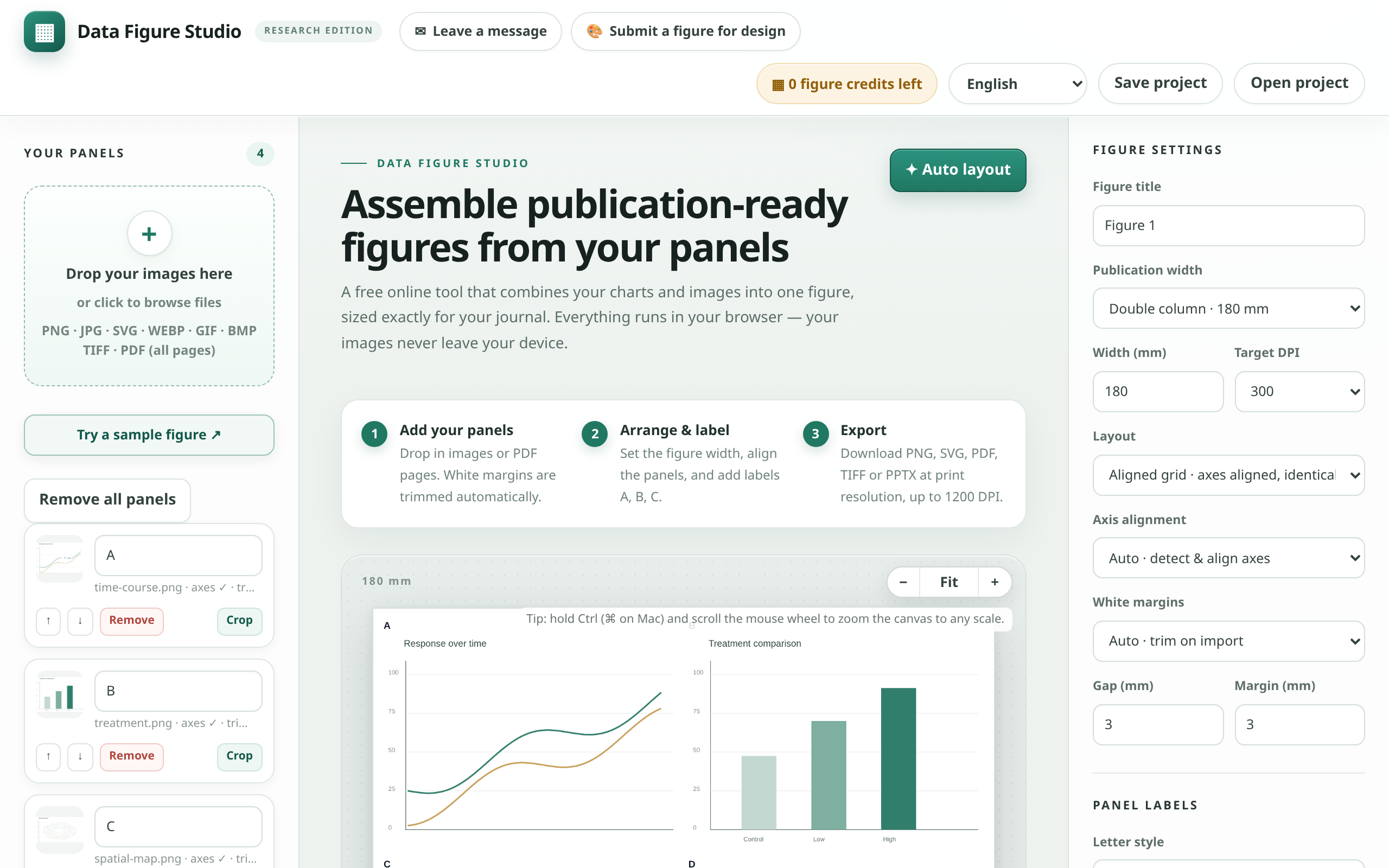
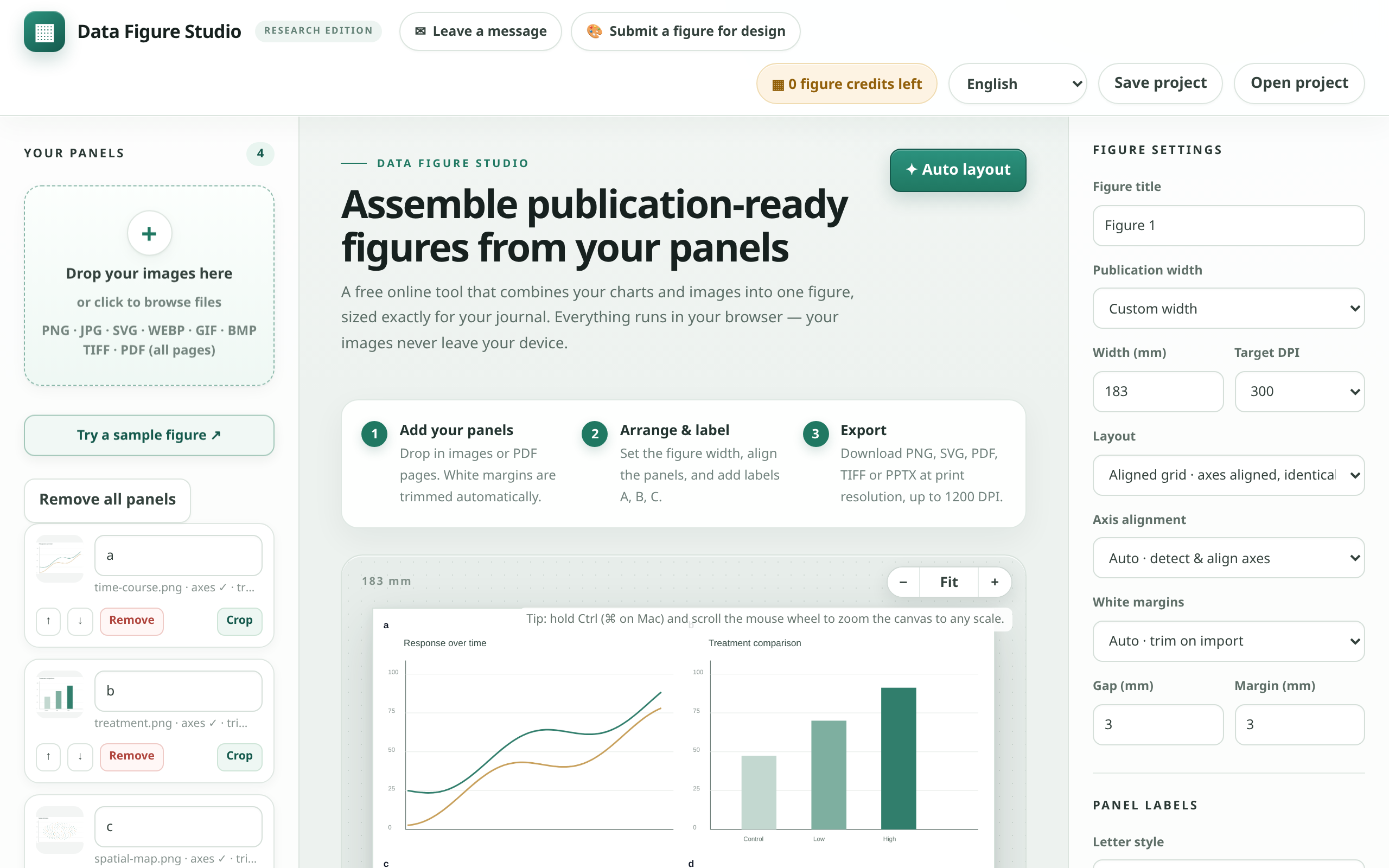
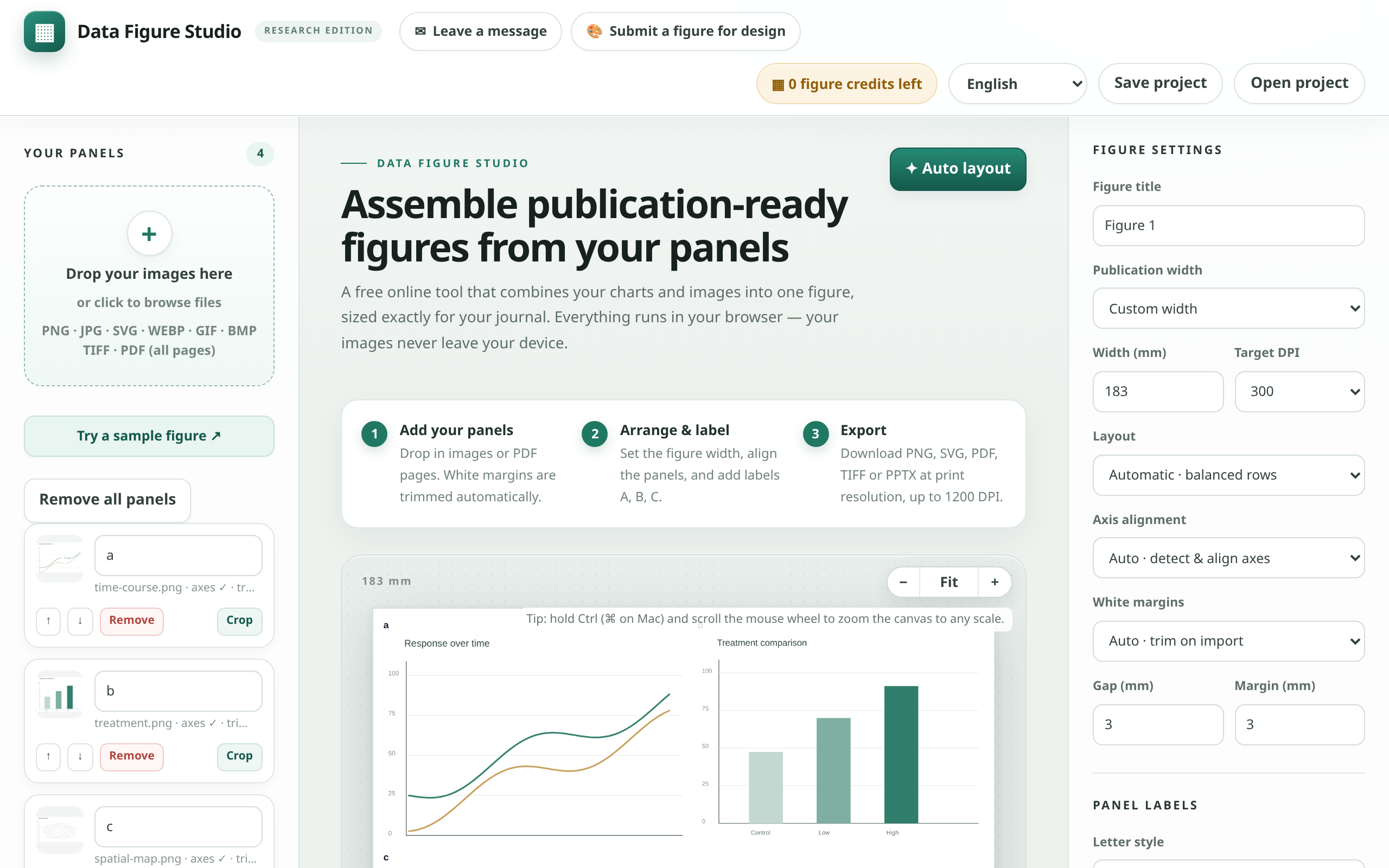
These are the real studio, captured at 1280×800 CSS pixels and 2× resolution (2560×1600), using the built-in sample figure.
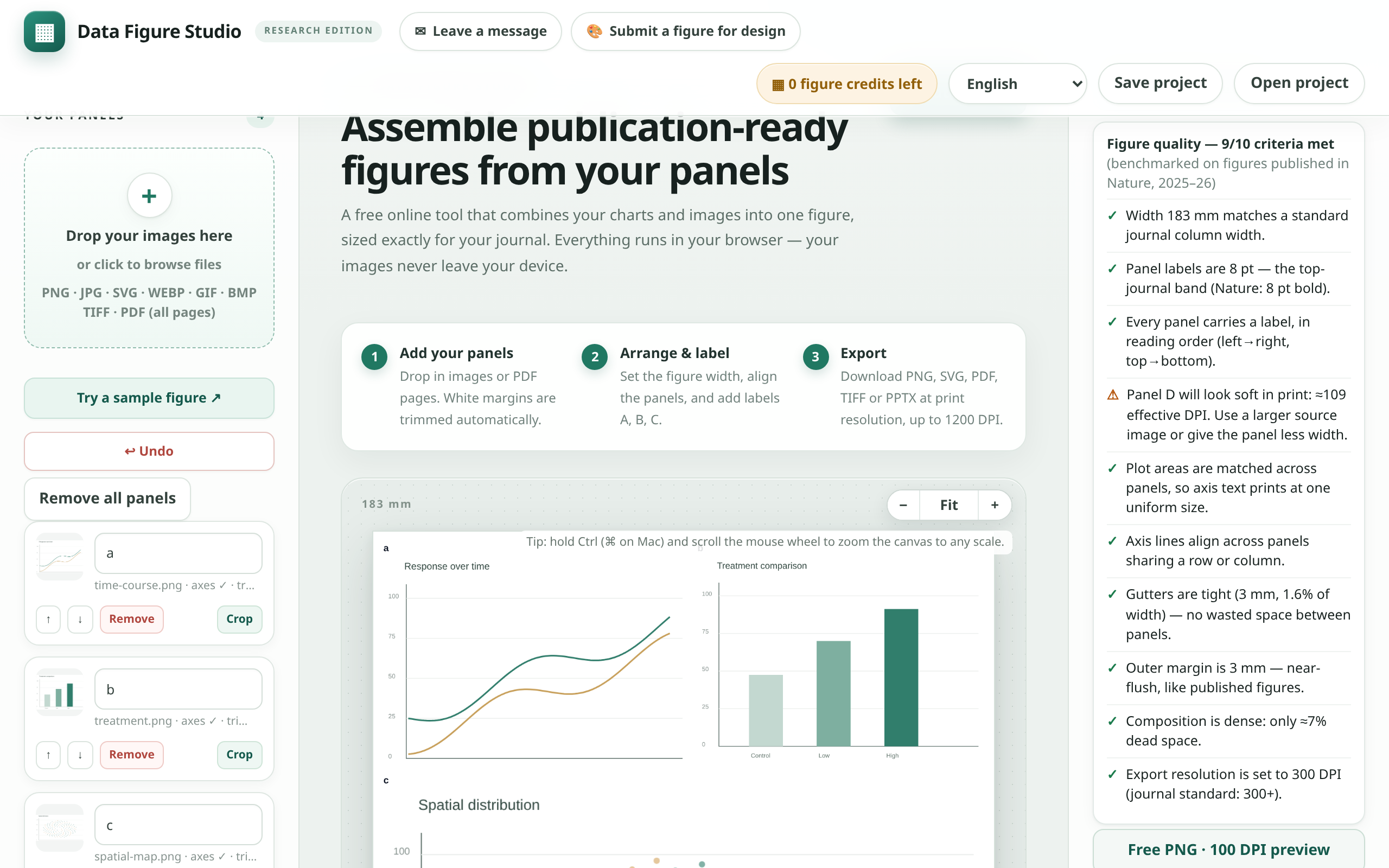
Demo
Silent demo, about 20 seconds: load the sample plots, apply the Nature preset, run auto layout, then export a free 100 DPI preview.
Contact
Press and product questions: support@gofigure.online. The studio itself is at gofigure.online, with pricing, figure design, and journal guides.